May 7, 2026
Why Website Design Matters for SEO and Conversions
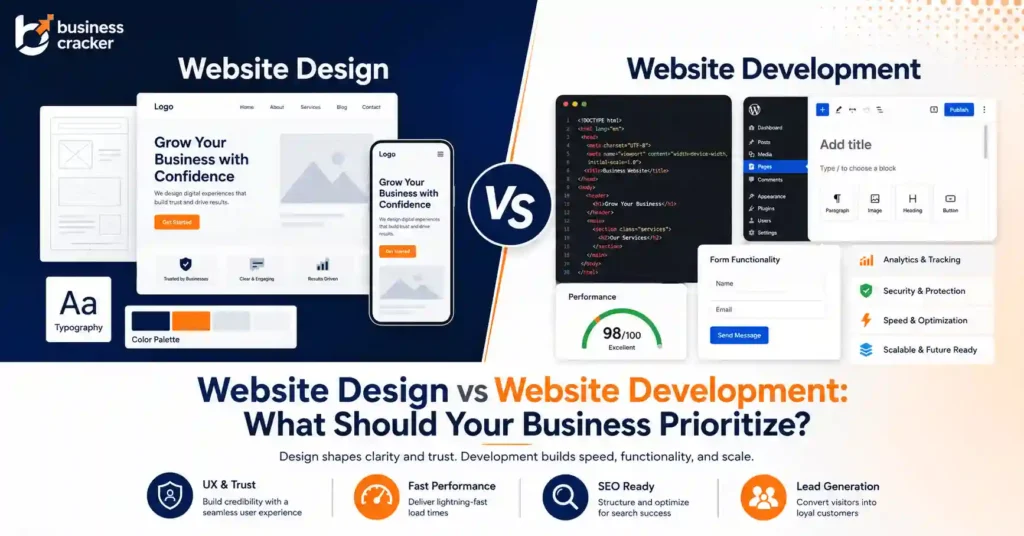
Website design is often treated as a visual project. Colors, sections, banners, typography, icons, animation, and layout get most of the attention. That is understandable, but incomplete.
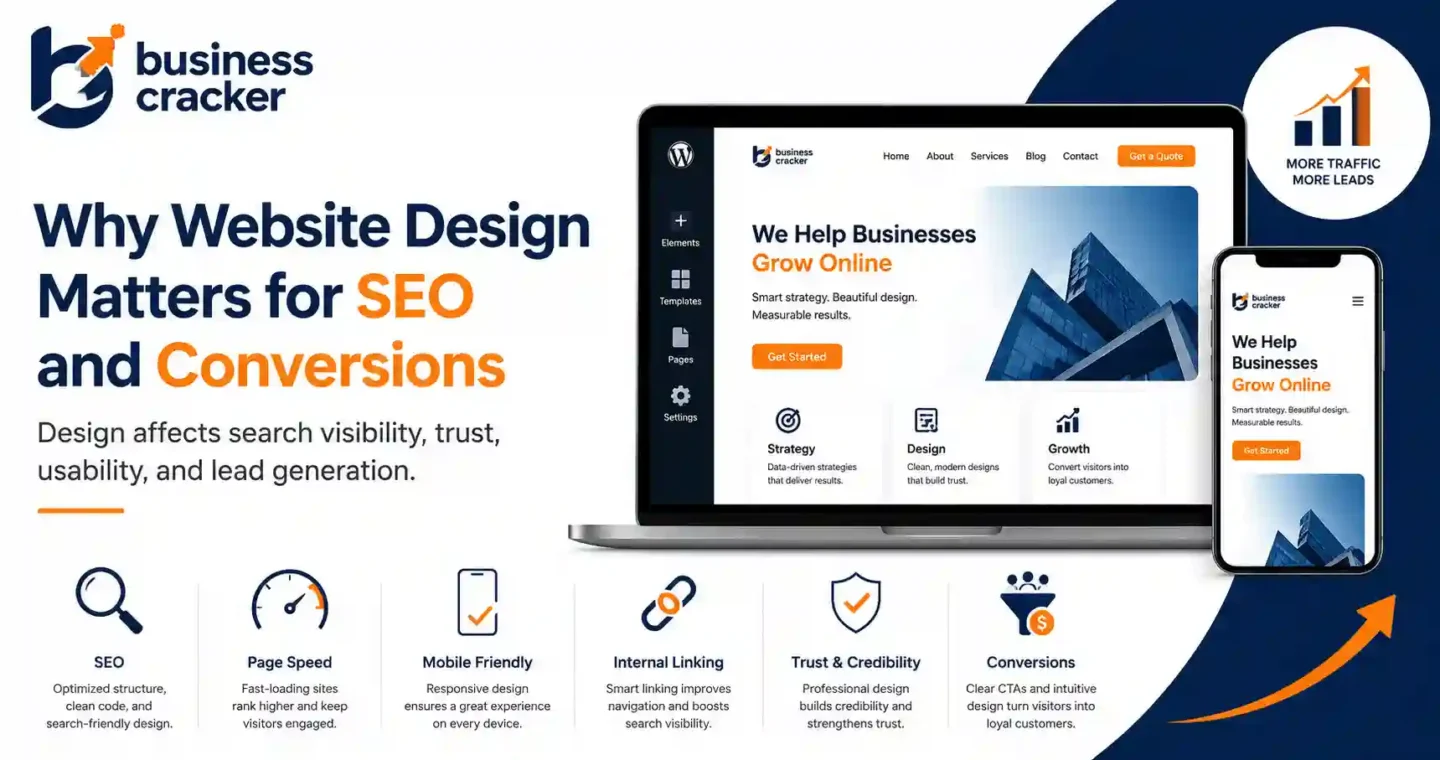
For a business website, design is not only about how the site looks. It affects how search engines crawl pages, how users move through content, how fast the site loads, how much trust the page creates, and whether visitors take action.
This is why website design for SEO matters. A page can look polished and still fail if it loads slowly, hides important content, confuses users, weakens internal linking, or makes the next step unclear.
Recent SEO, UX, and web development discussions show the same problems repeatedly. Business owners worry that redesigns may hurt rankings. Developers ask how to rebuild websites without losing SEO value. UX practitioners discuss why clean interfaces still fail to convert when trust and value are unclear. Others complain that websites are becoming over-designed with too many effects, pop-ups, and distractions instead of useful information. These are practical business problems, not design opinions.
The Problem This Article Solves
Many businesses separate website design, SEO, and conversions into different workstreams.
That creates problems.
A designer may create a beautiful layout that slows the page. An SEO team may add content that makes the page harder to scan. A paid ads team may send traffic to a landing page that looks good but does not build enough trust. A developer may rebuild a site and accidentally change URLs, headings, internal links, or indexability.
The result is a website that looks better but performs worse.
This article explains how website design affects SEO and conversions, what mistakes businesses should avoid, and how to design pages that support search visibility, user trust, and lead generation.
Desired Reader Outcome
After reading this article, you should be able to:
- Understand why website design affects SEO
- Identify design issues that reduce conversions
- Review a website beyond appearance
- Know what to check before a redesign
- Align designers, SEOs, developers, and marketers around the same goal
- Decide when your business needs professional website design services
Why Website Design Matters for SEO
Search engines do not judge your website only by how it looks. They need to discover pages, crawl links, read content, understand structure, and evaluate user experience signals.
Good design supports this process.
Poor design can create SEO issues such as:
- Important content hidden behind tabs or scripts
- Weak heading structure
- Slow loading pages
- Poor mobile usability
- Broken internal links
- Layout shifts
- Unclear navigation
- Thin service pages
- Image-heavy pages with little readable content
- Redesigns that change URLs without redirects
- Pages that are hard for search engines to understand
Google’s Core Web Vitals documentation defines these metrics as real-world user experience signals for loading performance, interactivity, and visual stability. Google also recommends that site owners achieve good Core Web Vitals for Search and for a better user experience generally.
In other words, design decisions can affect SEO before a user even reads the content.
Why Website Design Matters for Conversions
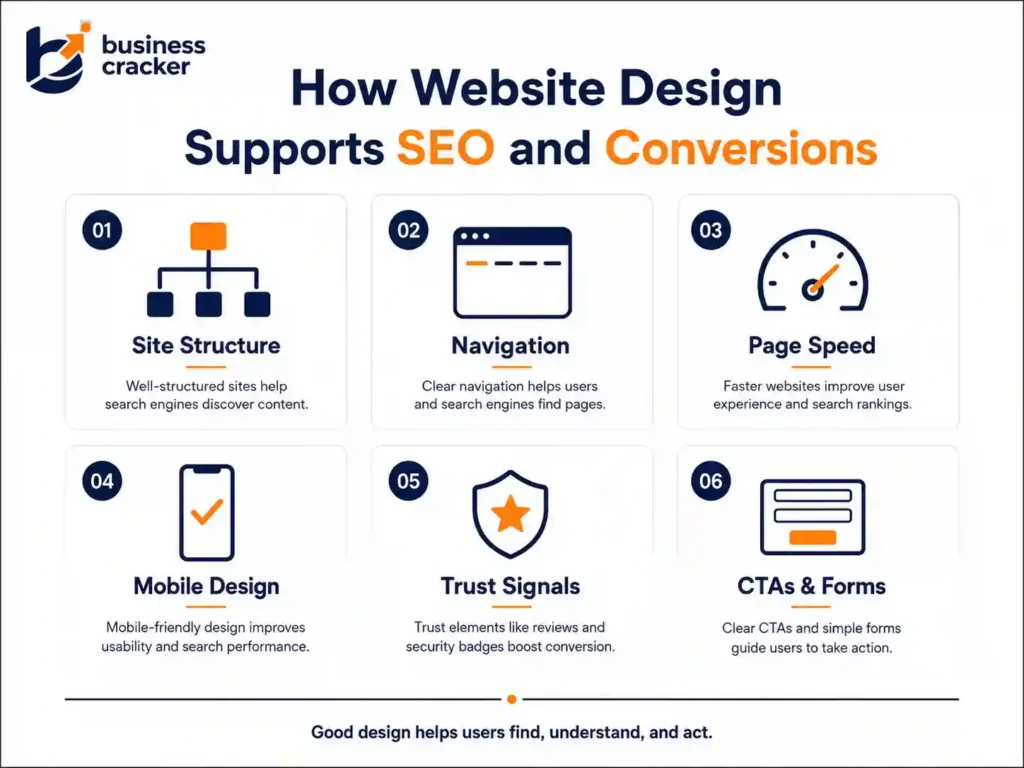
A conversion can be a form submission, phone call, WhatsApp click, quote request, purchase, newsletter signup, demo booking, or consultation request.
Design affects conversions because it controls how easily users can understand:
- What the business offers
- Who the service is for
- Why the business is credible
- What problem is being solved
- What proof supports the claim
- What action to take next
- Whether the page feels safe and trustworthy
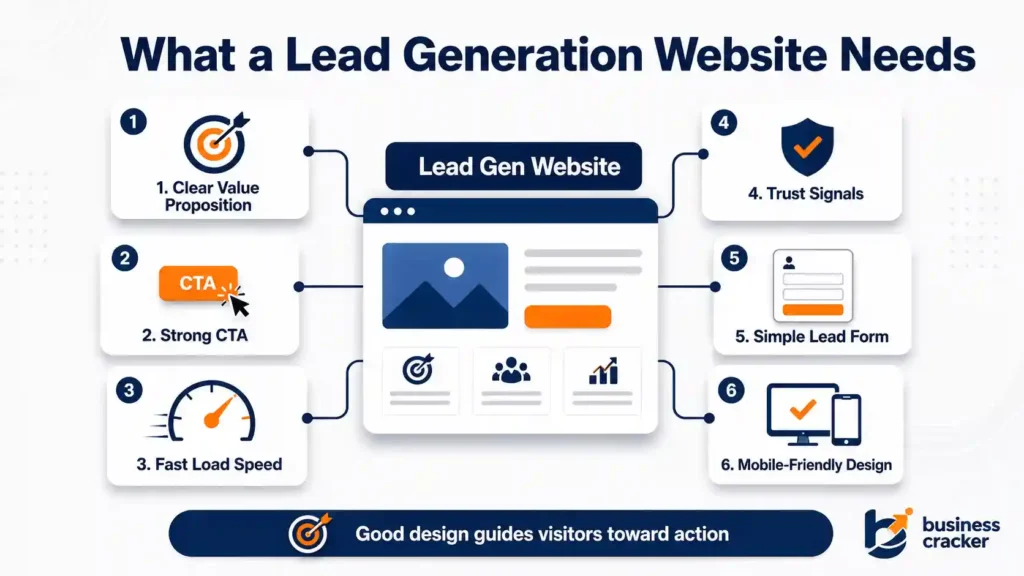
A clean-looking page can still fail if the value proposition is weak, the CTA is buried, the form is too long, or trust signals are missing.
Nielsen Norman Group’s trustworthiness guidance identifies four durable credibility factors in web design: design quality, up-front disclosure, comprehensive and current content, and connection to the rest of the web.
That is why conversion-focused design is not decoration. It is communication.
The Link Between Design, SEO, and Conversion
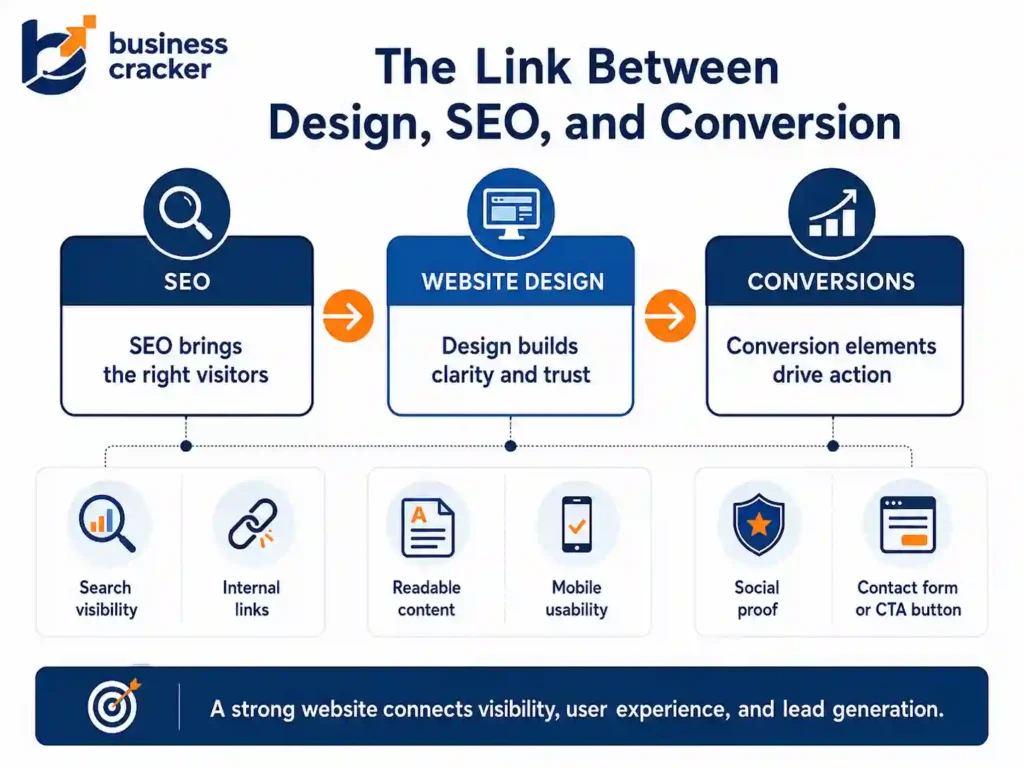
SEO brings visitors to the page. Design helps them understand and act.
If SEO works but design fails, users may leave without converting.
If the design looks good but SEO fails, users may never find the page.
If paid campaigns drive traffic but the landing page is weak, the business pays for visitors who do not become leads.
A strong website connects all three:
- SEO helps the right users find the page
- Design helps users understand the offer
- Conversion elements help users take the next step
That is why businesses should not treat design as a separate layer added after SEO or paid ads. It should be part of the full growth system. Business Cracker approaches this through practical digital marketing services that connect SEO, performance marketing, web design, and conversion planning.
1. Site Structure Helps Search Engines and Users
Website structure is one of the most important design decisions.
A good structure helps users move from broad information to specific pages. It also helps search engines understand which pages are important.
For a business website, the structure should usually include:
- Homepage
- Services page
- Individual service pages
- Blog
- Case studies
- About page
- Contact page
Service pages should not be buried too deep. Important pages should be accessible through navigation, internal links, and contextual content.
For example, a digital marketing business should have separate pages for SEO, web design, performance marketing, link building, and related services. A single generic “services” page is usually not enough if the goal is organic visibility.
Good design makes this structure visible and usable.
Poor design hides it behind vague menu labels, oversized banners, or one-page layouts where every service is squeezed into a small section.
2. Navigation Affects Crawlability and User Flow
Navigation is not only a UX element. It is also an SEO signal.
When important pages are linked from the main navigation, footer, service cards, and contextual sections, search engines can discover them more easily.
Good navigation should:
- Use clear labels
- Avoid unnecessary complexity
- Include important service pages
- Work well on mobile
- Keep menus easy to scan
- Avoid hiding important links behind scripts
- Support both users and crawlers
Weak navigation creates friction.
For example, if a user has to open multiple dropdowns to find a service page, many will not reach it. If search engines cannot crawl the links properly, the page may also receive weaker discovery signals.
For SEO, every important page should be linked from somewhere meaningful. For conversions, every important page should help users reach the next step.
3. Page Speed Is a Design Decision
Page speed is often treated as a developer issue. In reality, many speed problems begin with design decisions.
Common design-related speed issues include:
- Large hero images
- Heavy sliders
- Auto-playing videos
- Too many animations
- Large font files
- Unoptimized icons
- Excessive third-party scripts
- Image-heavy sections with no compression
- Page builders adding unnecessary code
- Decorative elements that do not support conversion
The 2025 Web Almanac performance chapter reported that 51 percent of the top 1,000 mobile sites had good Core Web Vitals. Performance dropped to 42 percent for the next 10,000 sites and 37 percent for the next 100,000 sites, showing that performance investment varies heavily across websites.
This matters because business websites do not compete only on content. They compete on experience.
A slow page can reduce engagement before users understand the offer.
4. Mobile Design Directly Affects SEO and Leads
Most users will experience a business website on mobile before desktop.
Mobile design affects:
- Readability
- Button size
- Form completion
- Navigation
- Page speed
- CTA visibility
- Trust
- Local search behavior
- Paid campaign performance
A desktop-first design can look good in a presentation and still fail on real mobile devices.
Check mobile pages for:
- Text size
- Button spacing
- Sticky elements
- Tap targets
- Form usability
- Image loading
- Menu behavior
- CTA visibility
- Layout shifts
- Pop-up interference
The 2025 Web Almanac SEO chapter reported that desktop continues to lead in Core Web Vitals performance, with around 60 percent of pages delivering a good overall Core Web Vitals experience compared with just over 50 percent on mobile.
That gap matters. Mobile is often where search traffic, paid traffic, and local business inquiries happen.
5. Above-the-Fold Design Shapes First Understanding
The first visible section of a page should quickly explain:
- What the business does
- Who it helps
- What outcome does it support
- Why the visitor should trust it
- What action can the visitor take
Many business websites waste this space with vague headlines.
Weak headline:
“We Build Digital Experiences”
Better headline:
“Website Design Services Built for SEO, Trust, and Lead Generation”
The second version is clearer. It tells the user what the page offers and why it matters.
Good above-the-fold design should include:
- Clear headline
- Short supporting copy
- Primary CTA
- Secondary trust signal
- Simple visual hierarchy
- No unnecessary clutter
- Fast-loading hero section
Do not force users to scroll before they understand the offer.
6. Heading Structure Supports SEO and Scanning
Headings help users scan the page. They also help search engines understand page organization.
A well-designed page should have:
- One clear H1
- H2s for major sections
- H3s for subpoints
- Logical heading order
- Descriptive section titles
Common mistakes include:
- Using headings only for styling
- Multiple H1s without purpose
- Empty heading tags from page builders
- Generic headings like “Our Solutions.”
- Keyword-stuffed headings
- Missing headings on long pages
For a web design service page, the structure may look like this:
- H1: Website Design Services for SEO and Conversions
- H2: What We Design
- H2: Problems We Solve
- H2: Our Website Design Process
- H2: How Design Supports SEO
- H2: How Design Supports Conversions
- H2: Frequently Asked Questions
- H2: Contact Us
A good structure helps both readers and crawlers.
7. Content Placement Affects Rankings and Leads
Design decides where content appears.
If important service information is hidden far down the page, placed inside images, or collapsed behind tabs, users may miss it. Search engines may also have less clarity depending on how the content is implemented.
Important content should be visible and easy to access.
For a business service page, include:
- Service overview
- Who the service is for
- Problems solved
- What is included
- Process
- Proof or examples
- FAQs
- CTA
Design should make this content readable. It should not force everything into tiny cards or visual blocks that look good but explain very little.
Good design gives content room to work.
8. Internal Links Need Design Support
Internal links are often added in blog text, but design also affects internal linking.
A well-designed website should include:
- Service cards
- Related blog sections
- Breadcrumbs
- Contextual CTAs
- Related service blocks
- Case study links
- Footer links
- Blog-to-service links
For example, an article about website design can naturally link to SEO services when discussing site structure, technical SEO, headings, and content visibility.
It can also link to performance marketing services when discussing landing pages, paid traffic, and conversion tracking.
Internal links help users move to the right page. They also help search engines understand relationships between topics.
9. Trust Signals Influence Conversion
Users do not convert only because a page looks good. They convert when the page feels credible enough to act.
Trust signals may include:
- Clear business name
- About section
- Service explanation
- Contact information
- Case studies
- Testimonials
- Certifications
- Client examples
- Real author or founder profile
- Transparent process
- FAQs
- Privacy and policy pages
- Professional design quality
Trust is especially important for service businesses. A visitor may not be ready to submit a form if they do not understand who is behind the business, what the process looks like, or whether the company can solve their problem.
Design should make trust visible.
10. CTAs Must Match User Intent
A CTA should not be added only at the bottom of the page.
Good CTA placement depends on user intent.
For a homepage, CTAs may include:
- Explore services
- Book a consultation
- View case studies
- Contact us
For a service page, CTAs may include:
- Request a website review
- Discuss your SEO goals
- Get a campaign audit
- Start a project discussion
For a blog post, the CTA should usually be softer.
Example:
If your website looks good but does not generate leads, review its structure, speed, mobile experience, content clarity, and CTA flow before redesigning it again.
That kind of CTA connects naturally to the article.
Poor CTA design includes:
- Too many competing buttons
- Generic “Submit”
- Hidden contact options
- No CTA after important sections
- CTA color that blends into the page
- Forms that ask for too much too soon
- No explanation of what happens after submission
A CTA should reduce uncertainty, not create pressure.
11. Forms Are Part of Website Design
Contact forms are often overlooked. But for lead generation websites, forms are where conversions actually happen.
A good form should:
- Ask only necessary questions
- Work well on mobile
- Show clear labels
- Avoid confusing error messages
- Confirm successful submission
- Explain what happens next
- Avoid asking for sensitive details too early
For many business websites, a short form works better than a long form. If a qualification is needed, ask only the questions that help start the conversation.
A website can have strong traffic and still lose leads at the form level.
12. Design Helps Paid Campaigns Convert Better
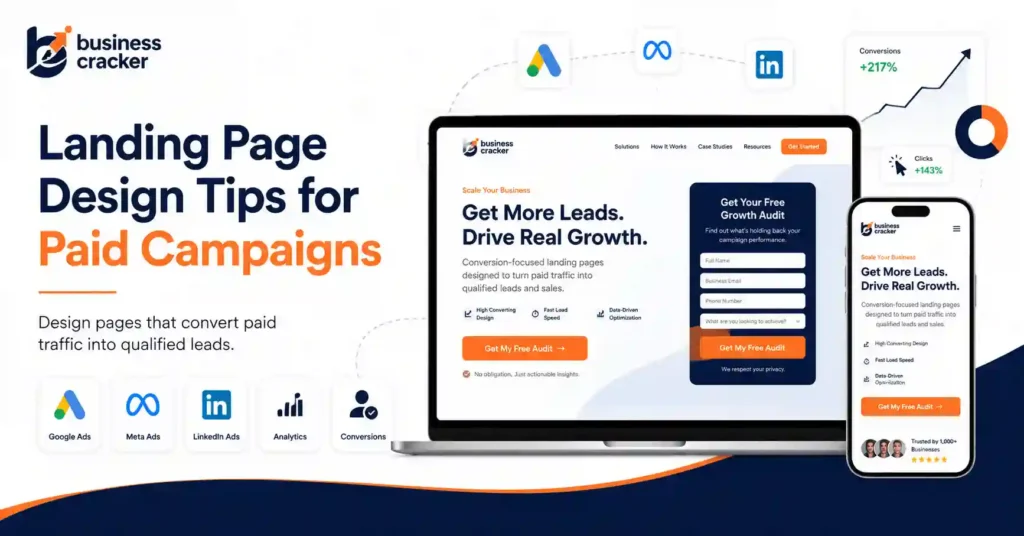
Paid traffic is expensive. Sending that traffic to a weak page wastes budget.
A well-designed paid campaign landing page should have:
- Message matches the ad
- Fast loading speed
- Clear offer
- Short copy
- Strong CTA
- Trust signals
- Mobile-first layout
- Clear form
- Minimal distractions
- Conversion tracking
This is where web design and performance marketing meet.
A business may blame Google Ads or Meta Ads for poor results when the real issue is the landing page. Before increasing spend, review the page experience.
If you are running paid campaigns, performance marketing services should include landing page review, tracking, and conversion improvement, not only campaign setup.
13. Redesigns Can Hurt SEO if They Are Not Planned
A redesign can improve a website. It can also damage rankings if SEO is ignored.
Common redesign mistakes include:
- Changing URLs without redirects
- Removing ranking content
- Changing headings carelessly
- Deleting internal links
- Blocking pages accidentally
- Replacing text with images
- Removing schema
- Changing page titles
- Weakening service page structure
- Launching without Search Console checks
- Ignoring mobile performance
Before a redesign, create an SEO migration checklist.
At minimum, check:
- Current URLs
- Ranking pages
- Backlinks
- Redirect plan
- Sitemap
- Meta titles
- H1s
- Internal links
- Content sections
- Canonicals
- Indexability
- Analytics and tracking
A redesign should protect what already works and improve what does not.
14. Design Should Make Content Easier to Read
Readability affects both engagement and conversion.
Good readability includes:
- Short paragraphs
- Clear headings
- Proper spacing
- Strong contrast
- Simple typography
- Scannable sections
- Bullet points where useful
- No overcrowded layouts
- No tiny font sizes
- No long walls of text
A business website should not make users work hard to understand the offer.
For SEO, readable content often performs better because users engage with it more easily. For conversion, readable content reduces friction.
Good design respects attention.
15. Visuals Should Support the Message
Images, icons, illustrations, and videos should help explain the business.
Avoid visuals that only fill space.
Useful visuals include:
- Service process diagrams
- Before and after examples
- Website audit screenshots
- Case study visuals
- Landing page wireframes
- Trust badges
- Team or founder photos
- Relevant screenshots
- Simple comparison graphics
Weak visuals include:
- Generic stock photos
- Unrelated animations
- Heavy background videos
- Decorative icons repeated everywhere
- Images with important text that search engines and users may not read properly
Every visual should have a job.
16. Website Design Should Support Analytics
A good website is measurable.
Design should make it easy to track:
- Form submissions
- Button clicks
- Phone clicks
- WhatsApp clicks
- Scroll depth
- Landing page performance
- CTA engagement
- Service page visits
- Blog-to-service clicks
- Campaign conversions
Without tracking, design opinions dominate. With tracking, the business can see what users actually do.
This is important for any SEO agency, online marketing company, or business running digital campaigns. Better design decisions come from user behavior, not personal preference.
17. What to Check Before Redesigning a Business Website
Use this checklist before changing your website.
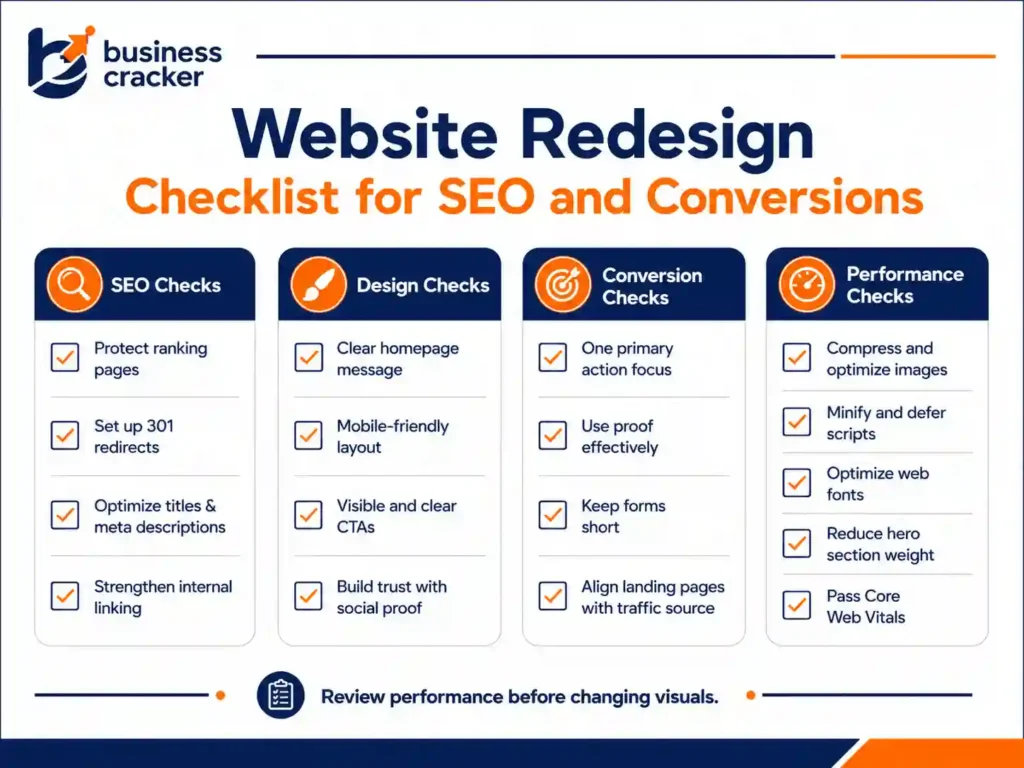
SEO Checks
- Which pages currently get organic traffic?
- Which pages rank for important keywords?
- Which URLs have backlinks?
- Which service pages are indexed?
- Which pages have impressions in Search Console?
- Are redirects planned?
- Will metadata be preserved or improved?
- Will internal links remain strong?
Design Checks
- Is the homepage message clear?
- Are services easy to find?
- Is the mobile layout strong?
- Are CTAs visible?
- Is the design trustworthy?
- Are forms easy to complete?
- Are pages overloaded with visual elements?
Conversion Checks
- What is the main action per page?
- Are users given enough trust before the CTA?
- Are forms too long?
- Are landing pages aligned with ads?
- Are case studies or proof visible?
- Is contact information easy to find?
Performance Checks
- Are images compressed?
- Are scripts necessary?
- Are fonts optimized?
- Is the hero section too heavy?
- Does the page shift while loading?
- Are Core Web Vitals passing?
18. Common Website Design Mistakes That Hurt SEO and Conversions
Mistake 1: Designing Only for Looks
A visually attractive website can still fail if users cannot understand the offer or take action.
Mistake 2: Ignoring Page Speed
Heavy design elements can slow pages and hurt both user experience and campaign performance.
Mistake 3: Weak Service Page Structure
Service pages need clear explanations, not only short cards and icons.
Mistake 4: No Clear CTA
If users do not know what to do next, they leave.
Mistake 5: Poor Mobile Experience
A desktop design that does not translate well to mobile can reduce both SEO performance and lead quality.
Mistake 6: Removing SEO Elements During Redesign
Changing URLs, headings, content, internal links, or metadata without a plan can damage organic visibility.
Mistake 7: No Trust Signals
Users need proof before they contact a business.
Mistake 8: Treating SEO and Design as Separate Projects
SEO and design should be planned together. Otherwise, one team may weaken the other team’s work.
19. What a Good Website Design Process Should Include
A practical website design process should include:
- Business goal review
- Audience and service clarity
- SEO page mapping
- Competitor and SERP review
- Site structure planning
- Wireframe creation
- Content planning
- UX and conversion review
- Technical SEO review
- Speed and mobile checks
- Development
- Tracking setup
- Launch QA
- Post-launch monitoring
This process prevents the common problem of launching a good-looking website that does not rank or convert.
20. How Business Cracker Looks at Website Design
Business Cracker treats website design as part of digital growth, not only visual presentation.
That means a website should support:
- Search visibility
- Clear service positioning
- Mobile usability
- Fast page loading
- Trust building
- Lead generation
- Paid campaign readiness
- Internal linking
- Conversion tracking
A website should look professional, but it should also help the business get found, understood, and contacted.
Final Thoughts
Website design matters because it sits at the intersection of SEO, trust, usability, and conversion. A business website should not only look polished. It should load quickly, explain services clearly, guide users naturally, support search visibility, and make the next step easy.
If your website is getting traffic but not enough leads, or if your redesign plans do not include SEO and conversion checks, review the full page experience before changing visuals again.
For a practical review of your website structure, SEO readiness, page speed, conversion flow, and service-page clarity, contact Business Cracker.
Frequently Asked Questions
Why is website design important for SEO?
Website design affects SEO because it influences site structure, mobile usability, page speed, crawlability, internal links, headings, and content visibility. A well-designed page helps search engines understand the content and helps users engage with it.
Does website design affect conversions?
Yes. Website design affects conversions by shaping trust, readability, CTA visibility, form usability, mobile experience, and how clearly the offer is explained. A page can get traffic but still fail if the design does not guide users toward action.
What is SEO friendly website design?
SEO friendly website design means building pages that are easy for users and search engines to understand. It includes clear navigation, fast loading, mobile-friendly layouts, readable content, proper heading structure, clean URLs, useful internal links, and accessible content.
Can a website redesign hurt SEO?
Yes. A redesign can hurt SEO if URLs are changed without redirects, ranking content is removed, internal links are weakened, metadata is lost, pages are blocked, or mobile performance gets worse. SEO should be part of the redesign plan from the beginning.
What should businesses fix first, design or SEO?
It depends on the problem. If the site is hard to use, slow, or not converting, design and UX fixes may come first. If the site is not visible in search, SEO structure, content, and technical fixes may be more urgent. In many cases, both should be reviewed together.